The core idea
Tool-calling failures are only fixable at speed when you can say where the first fault happened: selection, arguments, execution, state, or recovery policy.
When production agents fail, teams often say "the model messed up." That explanation is usually too vague to be useful.
Tool-calling failures can happen before the call, inside the call, or after the call. If you do not separate those layers, you end up changing prompts when the bug is actually a schema mismatch, a timeout policy, a stale state object, or a retry loop.
This guide gives you a practical triage model for production agents: classify the failure first, inspect the minimum evidence trail, then fix the highest-leverage layer instead of guessing.
Context
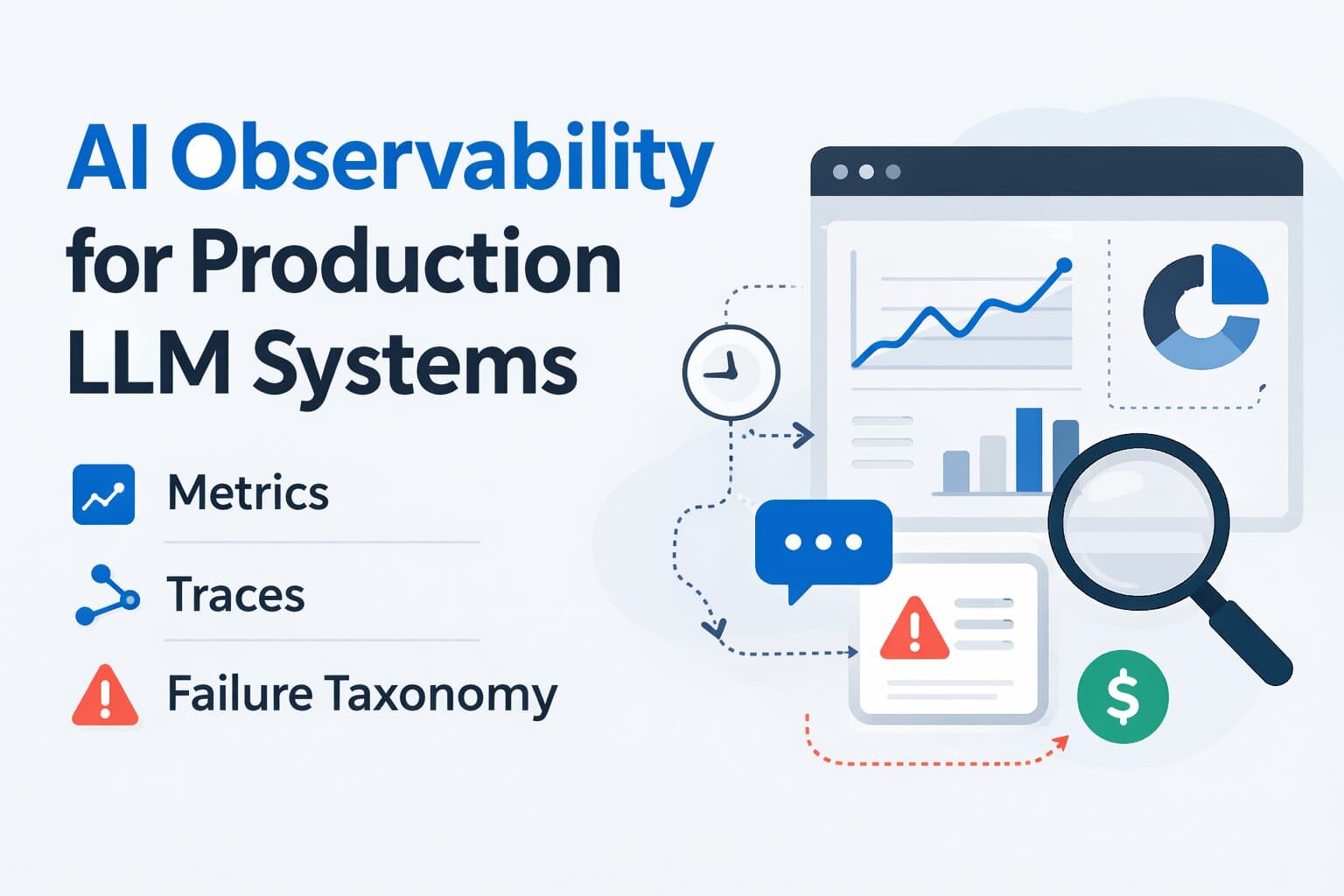
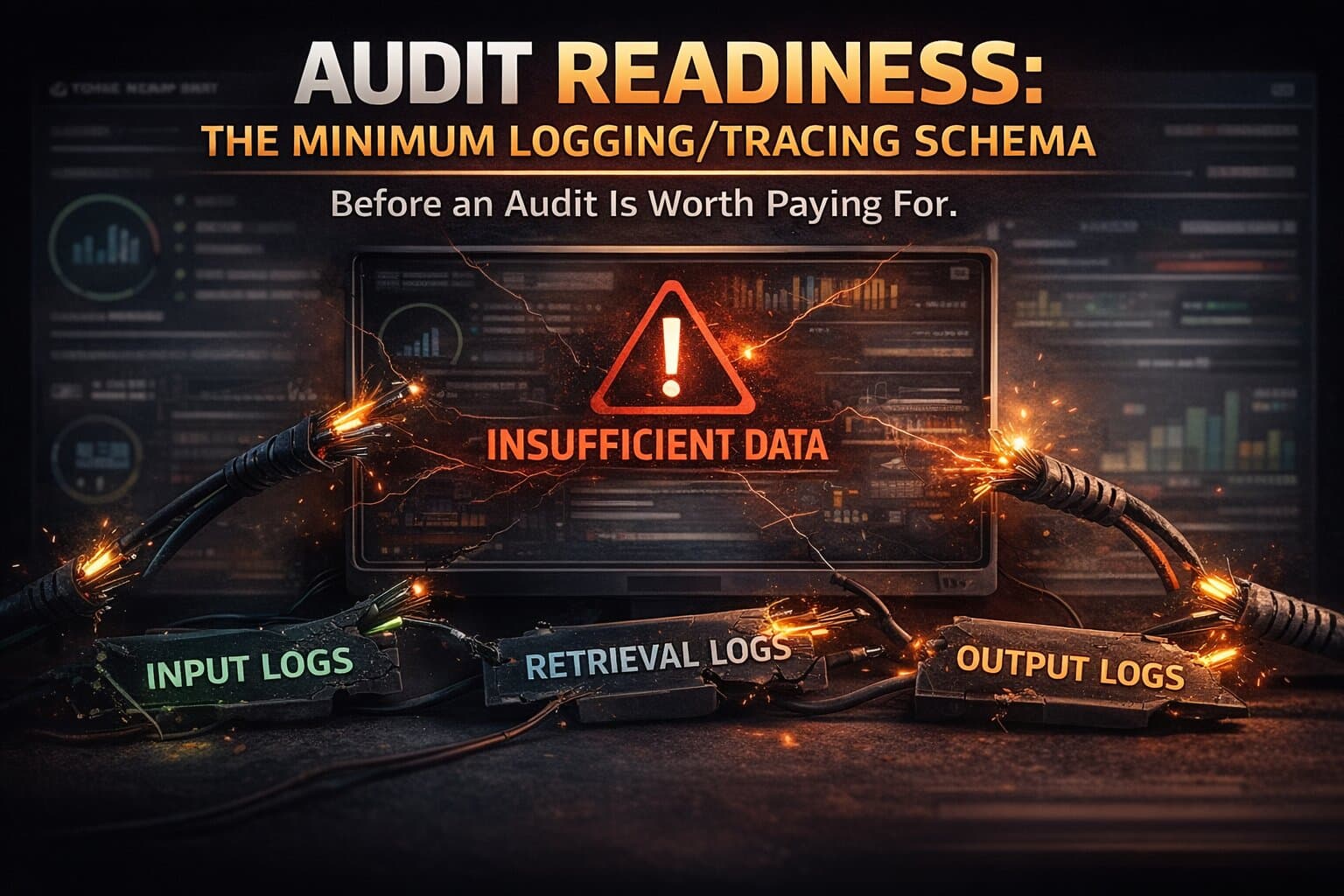
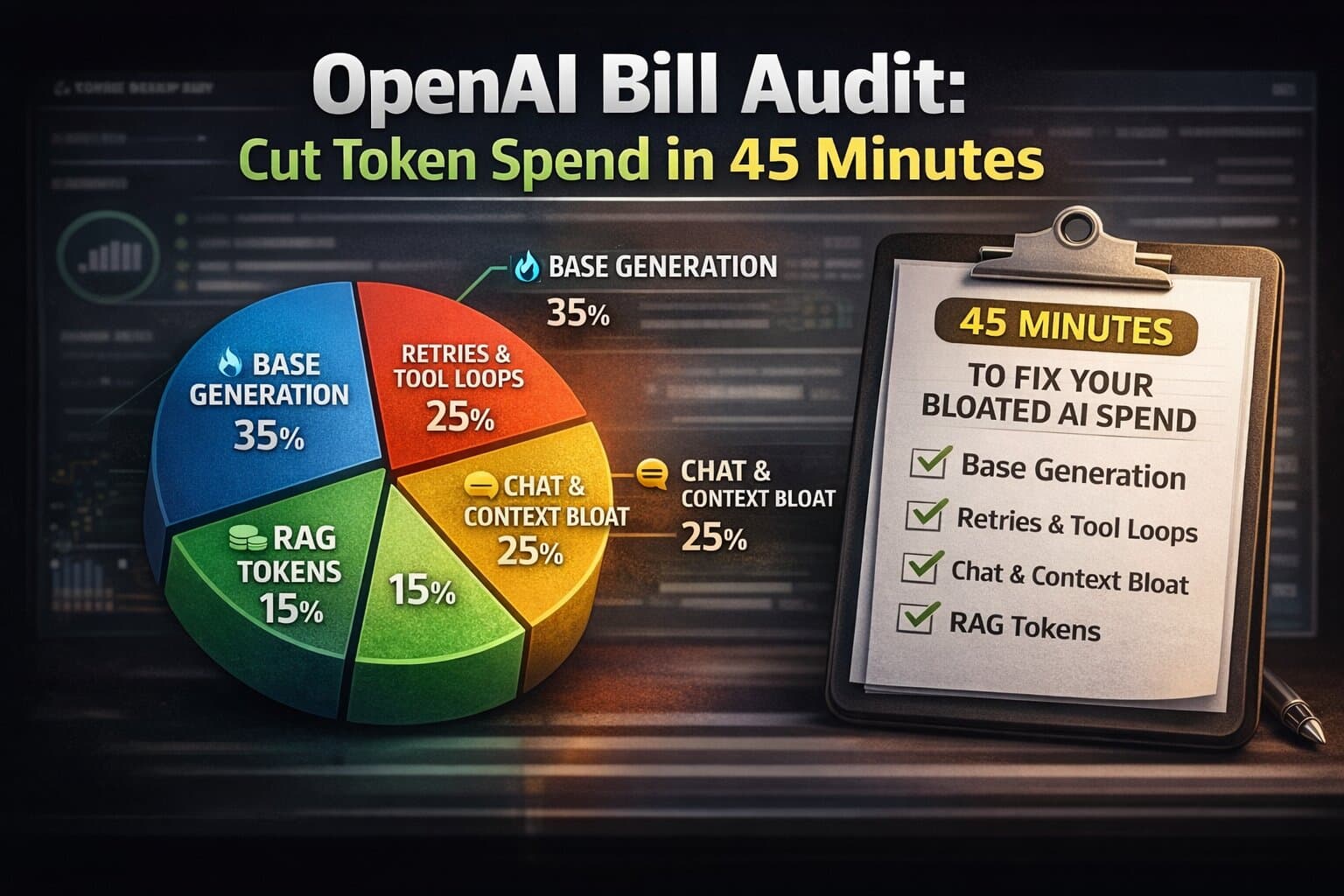
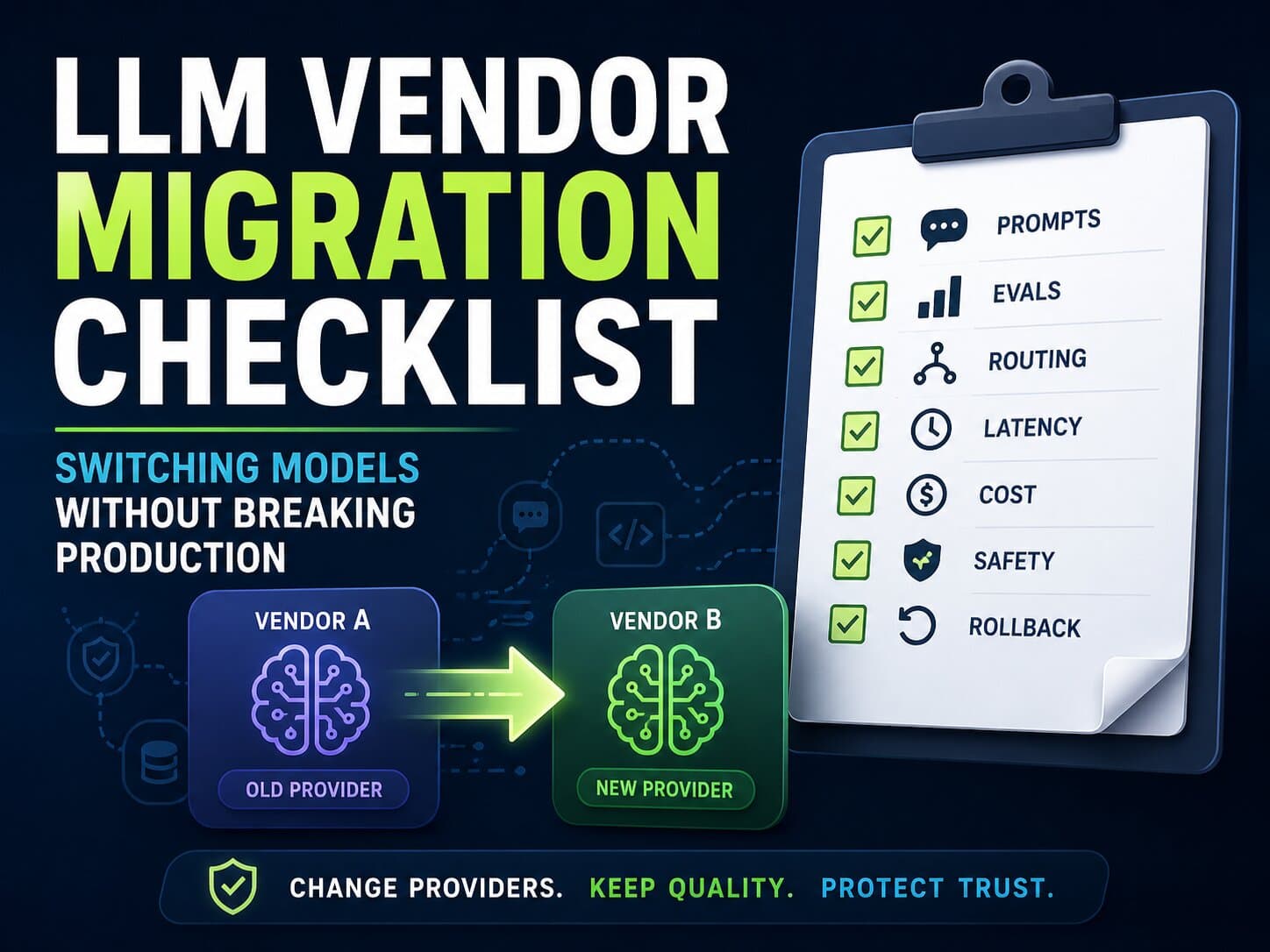
Part of the LLM Audit hub. Related: AI Observability for Production LLM Systems, Audit Readiness: Minimum Logging Schema, OpenAI Bill Audit, Cost per Successful AI Task, and the LLM observability case study.
Why tool-calling failures get misdiagnosed
Agents make failures look like one event to the end user: "it did not work." Under the surface, that can hide several different failure modes:
- the agent chose the wrong tool
- it chose the right tool but sent unusable arguments
- the tool failed despite a valid request
- the tool succeeded but the workflow lost state or misread the result
- a retry or fallback policy amplified the original issue into cost and latency pain
Without traces, teams usually fix the most visible symptom, not the first broken layer. That is why tool-calling incidents often recur after "prompt improvements."
The 5-bucket failure model
Use this classification before you start patching anything:
Bucket 1: Tool selection failure
The agent chose the wrong tool or failed to call any tool when one was required. Typical causes: weak tool descriptions, ambiguous policy, missing routing hints, or too many overlapping tools.
Bucket 2: Argument generation failure
The chosen tool was correct, but the arguments were missing, malformed, semantically wrong, or outside safe bounds. This often looks like "tool is flaky" when the real issue is schema adherence or value extraction.
Bucket 3: Tool execution failure
The request was valid, but the tool failed because of timeout, auth, upstream outage, rate limit, or validator rejection deeper in the stack. This is the closest thing to a true infrastructure or integration fault.
Bucket 4: State and orchestration failure
The tool call succeeded, but the agent lost the result, double-called the next step, dropped a constraint, or continued with stale context. Multi-step agents fail here more often than most teams expect.
Bucket 5: Recovery-policy failure
A retry, fallback, or loop policy made the incident worse. One invalid argument becomes five calls. One upstream timeout becomes queue buildup, double-spend, and user-visible inconsistency.
| Bucket | Typical symptom | Highest-leverage owner |
|---|---|---|
| Selection | wrong tool, or no tool call at all | prompt + routing policy |
| Arguments | schema errors, missing fields, unsafe values | schema, validators, extraction hints |
| Execution | timeouts, auth failures, 5xx, rate limits | tool integration + platform |
| State / orchestration | lost result, repeated step, wrong next action | workflow runtime + state model |
| Recovery policy | loops, retry storms, expensive fallback chains | guardrails + retry/fallback policy |
Fast triage decision tree
Use this sequence before you change prompts or swap models:
- Was a tool call expected for this workflow?
- If yes, did the agent request a tool at all?
- If yes, was it the correct tool for the task?
- If yes, did the arguments pass validation?
- If yes, did the tool execute successfully?
- If yes, did the workflow consume the result correctly?
- If no, did retry or fallback policy improve the outcome or only multiply failure?
This sounds simple, but many teams cannot answer these questions from production traces. That is exactly why tool-calling fixes often drift into guesswork.
Rule of thumb
If you cannot say whether the first failure happened in selection, arguments, execution, state, or recovery, you do not have a triage process yet. You have a prompt-edit ritual.
Failure signatures to look for
Signature 1: The agent answers directly when policy requires a tool
This is usually a selection or policy failure. The tool may be available, but the agent does not reliably understand when it must use it.
Signature 2: The requested tool is correct, but a required argument is missing
Usually argument generation failure. The fix is often better schema guidance, required-field validation, or slot-filling clarification before the call.
Signature 3: Arguments parse, but values are semantically wrong
This is more subtle than schema failure. Dates, units, IDs, or filters look valid syntactically but mean the wrong thing operationally.
Signature 4: Tool returns success, but the next step behaves as if nothing happened
State or orchestration failure. The problem is often outside the model entirely: result mapping, workflow memory, or step transition logic.
Signature 5: One tool failure becomes many
Recovery-policy failure. Retries, alternate tools, or fallback models may be firing without enough checks, turning one issue into latency and cost amplification.
Signature 6: Failures cluster around one upstream integration
Likely execution failure, but still inspect argument validity first. Many "integration incidents" are actually bad requests sent consistently by the agent.
What to log before you try to fix anything
The minimum evidence chain for tool-calling triage is:
- request_id, session_id, workflow or intent label
- model_version, prompt_version, routing policy version
- candidate tool set available to the agent
- requested tool name and argument payload
- normalized arguments after parser or validator step
- validator result and reason code for any rejection
- tool execution status, latency, upstream status code, retry count
- workflow state transition after tool return
- fallback path taken, if any
- final user-visible outcome and whether human rescue occurred
This is enough to classify most failures quickly. Without it, the same incident can be misread as model quality, tool flakiness, and latency regression all at once.
The fix order that usually has the best ROI
Start where one fix can collapse several downstream symptoms:
- Instrumentation first: no reliable traces means no reliable triage.
- Validators and reason codes: reject bad arguments early and explain why.
- Tool policy clarity: reduce overlap and ambiguity across tool descriptions and routing rules.
- State and workflow integrity: make sure successful tool results are actually consumed correctly.
- Retry and fallback control: cap loops, add budgets, and route to safer exits sooner.
- Prompt and model tuning last: only after you know the dominant failure bucket.
This order works because it reduces both wrong outcomes and hidden waste. Many teams attack Bucket 1 first with prompts when Buckets 4 and 5 are quietly destroying the economics of the workflow.
A worked example: when the model was not the problem
Imagine an agent that books a service appointment. Users complain that it "keeps trying and failing." Initial assumption: the model is weak at tool use.
The trace shows something else:
- correct tool selected:
create_booking - arguments valid on first call
- tool execution returned timeout from upstream API
- agent retried three times with the same payload
- fallback escalated to a second tool that queried availability again, adding more latency
- user eventually got a generic failure message after four external calls
This is not primarily a model issue. It is execution plus recovery-policy failure. The right fix order is:
- add timeout-specific retry budget
- make the booking tool idempotent and surface clearer upstream reason codes
- short-circuit to human or deferred confirmation after one bounded retry
- only then revisit prompt behavior if selection quality is still weak
Without that classification, the team might have changed prompts for a week and learned nothing.
Common anti-patterns
- Blaming the model first: traces often show the first fault much later in the stack.
- No validator layer: bad arguments reach tools and make integrations look unstable.
- Too many overlapping tools: selection quality degrades because policy is ambiguous.
- Unbounded retries: one fault becomes latency, cost, and user trust damage.
- No outcome metric: teams count successful tool calls, not successful workflows.
- No human-rescue logging: the workflow looks healthier and cheaper than it really is.
Good agent triage is not about proving the model wrong. It is about locating the smallest structural fix that stops the workflow from failing the same way tomorrow.
A 10-request worksheet for today
Pull ten recent failed or rescued agent runs and classify each one with these columns:
- workflow / intent
- tool expected?
- tool selected?
- arguments valid?
- execution success?
- state transition correct?
- retry or fallback triggered?
- dominant failure bucket
- human rescue needed?
- highest-leverage next fix
If you do this honestly, you will usually find one or two buckets dominating the failure set. That is your fix order. Not the loudest anecdote from Slack.
Need a real agent failure taxonomy?
We help teams instrument tool-calling traces, classify failure buckets, and turn agent incidents into a concrete fix order tied to reliability and cost.
FAQ
Questions readers usually ask next
What are the most common tool-calling failure types in production agents?
In practice they usually fall into five buckets: wrong tool chosen, right tool with wrong arguments, tool execution failure, broken state or orchestration around the tool call, and bad retry or fallback policy that turns one failure into a cascade.
How do I know whether the model or the tool is the real problem?
Check the trace in order. If the agent selected the wrong tool, the problem is routing or policy. If it selected the right tool but generated invalid arguments, that is a model-plus-schema problem. If the request was valid and execution still failed, the tool path is the likely culprit. If execution succeeded but the workflow still failed, inspect state handling and downstream orchestration.
What should we log for tool-calling triage?
At minimum: request ID, model and prompt version, candidate tool set, requested tool name, raw and normalized arguments, validation result, execution status, latency, retry count, fallback path, and the final user-visible outcome. Without that chain, teams guess instead of triaging.
Why do retries make agent failures look worse?
Retries often hide the original failure bucket. A bad retry policy can convert one invalid argument into multiple calls, queueing, higher cost, and a confusing final trace. That makes the tool seem unreliable when the first fault may have happened much earlier in the decision path.
Most common misread
Teams call it a model problem when the dominant issue is actually invalid arguments plus bad retry behavior.
Highest-leverage artifact
A per-request trace that captures tool request, validator outcome, execution status, workflow transition, and human rescue.
Need agent triage that goes beyond prompts?
We help teams trace production agents end to end, isolate dominant failure buckets, and fix the workflow layers that are actually burning trust and money. Start with an AI Production Audit.
Last updated
March 18, 2026