The core idea
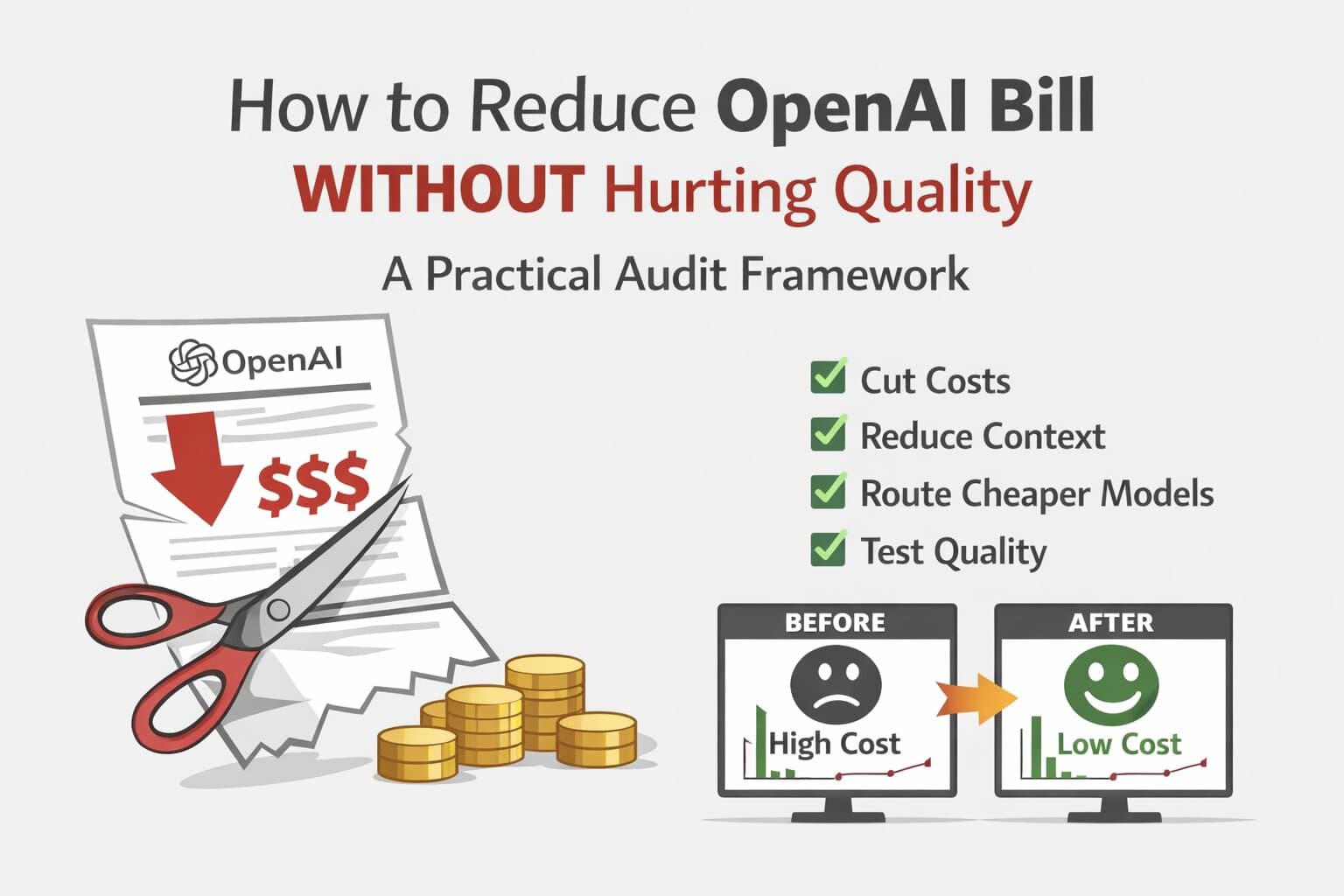
Cost per Successful Task (CPST) is the only metric that matters. We change the system—routing, retrieval policy, stop conditions, caching—not just prompts. And we prove it with before/after benchmarks.
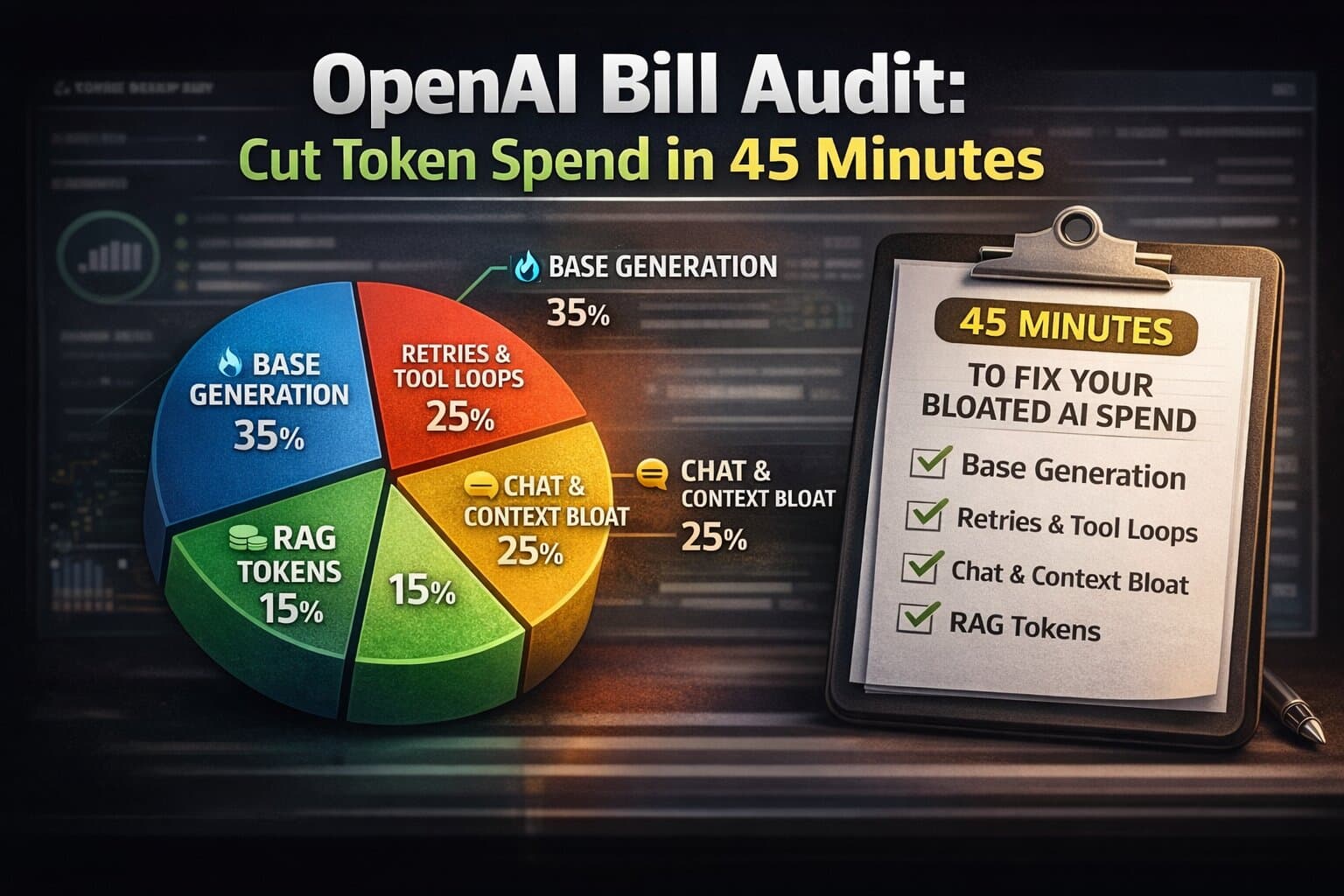
LLM cost almost never comes from one thing. In production, spend is usually the sum of context bloat, tool-call loops, over-retrieval, model overkill, timeouts + retries—and no definition of "successful task," so teams optimize the wrong metric.
If your plan is "shorten the prompt," you'll get a small win and miss the big leaks. What we actually change is the system: routing, retrieval policy, stop conditions, caching layers, tool reliability, and cost gates—and we prove it with before/after benchmarks.
Context
Part of the Cost Optimization hub: LLM Cost Optimization Hub. See also: Reduce OpenAI Bill Without Hurting Quality, AI Optimization Services, OpenAI Bill Audit in 45 Minutes, Audit Readiness (minimum logging schema), AI System Audit.
The only metric that matters: Cost per Successful Task
Most teams track "cost per request" or "monthly token spend." Those are not optimization metrics—they're accounting.
A good cost metric must answer: "How much do we spend to get one correct, complete resolution?"
We use a simple baseline:
Cost per Successful Task (CPST)
CPST = total LLM spend / number of successful outcomes
Break it down by failure modes:
- successful on first pass
- success after retry
- success after tool loop
- failed / escalated to human
- wrong answer / hallucinated
- timed out
When CPST is high, it usually means your system is paying multiple times for the same outcome.
Where LLM cost actually hides (a production breakdown)
Here are the most common spend buckets we find in audits:
1) Context bloat (prompt + history + retrieval)
Symptoms:
- tokens per request steadily increases over weeks
- latency increases alongside spend
- "we added a few features" → spend jumps 30%
Root causes:
- conversation history unbounded
- retrieved chunks too long / redundant
- tool outputs appended to context verbatim
- system prompt accumulating rules forever
Fixes we ship:
- context budgets (hard caps by stage: retrieval, tools, generation)
- history compression (structured state, not raw transcript)
- retrieval slimming (dedupe, chunk boundaries, max tokens per doc)
- prompt modularization (only include what is needed per intent)
What you keep: a token budget spec (per pipeline stage), a context bloat dashboard (tokens over time, by cohort).
2) Retry storms (timeouts → duplicate calls → exploding spend)
Symptoms:
- spend spikes coincide with latency spikes
- P95 blows up at peak hours
- "we didn't change anything" but bill doubled
Root causes:
- timeout values too aggressive or inconsistent
- retries applied at multiple layers (client + server + orchestrator)
- idempotency missing (same job executed repeatedly)
- tool failures trigger full-chain retries
Fixes we ship:
- retry policy consolidation (one place owns retries)
- exponential backoff + jitter tuned to your latency profile
- idempotency keys for tool actions
- partial retries (retry the failing component, not the entire chain)
What you keep: retry/timeout playbook, p95-to-cost correlation dashboard.
3) Tool-call loops (agents that "keep trying" silently)
Symptoms:
- long conversations with many tool calls
- high variance: some sessions are cheap, some are 50x cost
- "it works… except when it doesn't" → huge spend tail
Root causes:
- missing stop conditions
- tools return ambiguous errors → agent keeps exploring
- "planner" prompts encouraging perseverance
- no loop-rate monitoring
Fixes we ship:
- loop budgets (max tool calls, max retries per tool)
- stop reasons (hard-fail vs escalate vs ask user)
- tool error normalization (turn 12 error styles into 3 classes)
- agent policy: "stop when confidence drops" vs "try more"
What you keep: loop-rate metric, stop-condition spec, tool success rate dashboard.
4) Over-retrieval (paying to read irrelevant context)
Symptoms:
- increasing k always "helps" but costs jump
- answers cite wrong doc sections
- high token spend even on easy questions
Root causes:
- no retrieval evals (so k is tuned blind)
- chunking not aligned with doc types
- embeddings-only search missing keyword intent
- no reranker when needed (or reranker used everywhere)
Fixes we ship:
- hybrid search where it actually beats vector-only
- reranker policy (only for ambiguous queries / low-confidence retrieval)
- dedupe + novelty filtering (don't retrieve the same meaning twice)
- query rewrite with guardrails (avoid intent hallucination)
What you keep: retrieval eval harness (recall@k, context relevance), retrieval policy (when to retrieve, how much, when to rerank).
5) Model overkill (everything goes to the expensive model)
Symptoms:
- cost stable but high
- many requests are trivial ("reset password") but pay premium
- quality improvements from expensive model are marginal
Root causes:
- no routing logic
- no confidence estimation
- fear of quality regressions → "always use best model"
Fixes we ship:
- model routing: fast model for easy intents, smart model for hard cases
- fallback policy: upgrade only when needed
- gating with evals (prove routing doesn't harm outcomes)
What you keep: routing rules, cohort evals proving safety.
6) Caching that actually works (most caches don't)
Symptoms:
- you tried caching, savings were tiny
- cache hit rate low
- answers vary so cache invalidation is messy
Root causes:
- caching at the wrong layer (full response cache for non-deterministic tasks)
- missing semantic normalization
- retrieval changes invalidate everything
Fixes we ship:
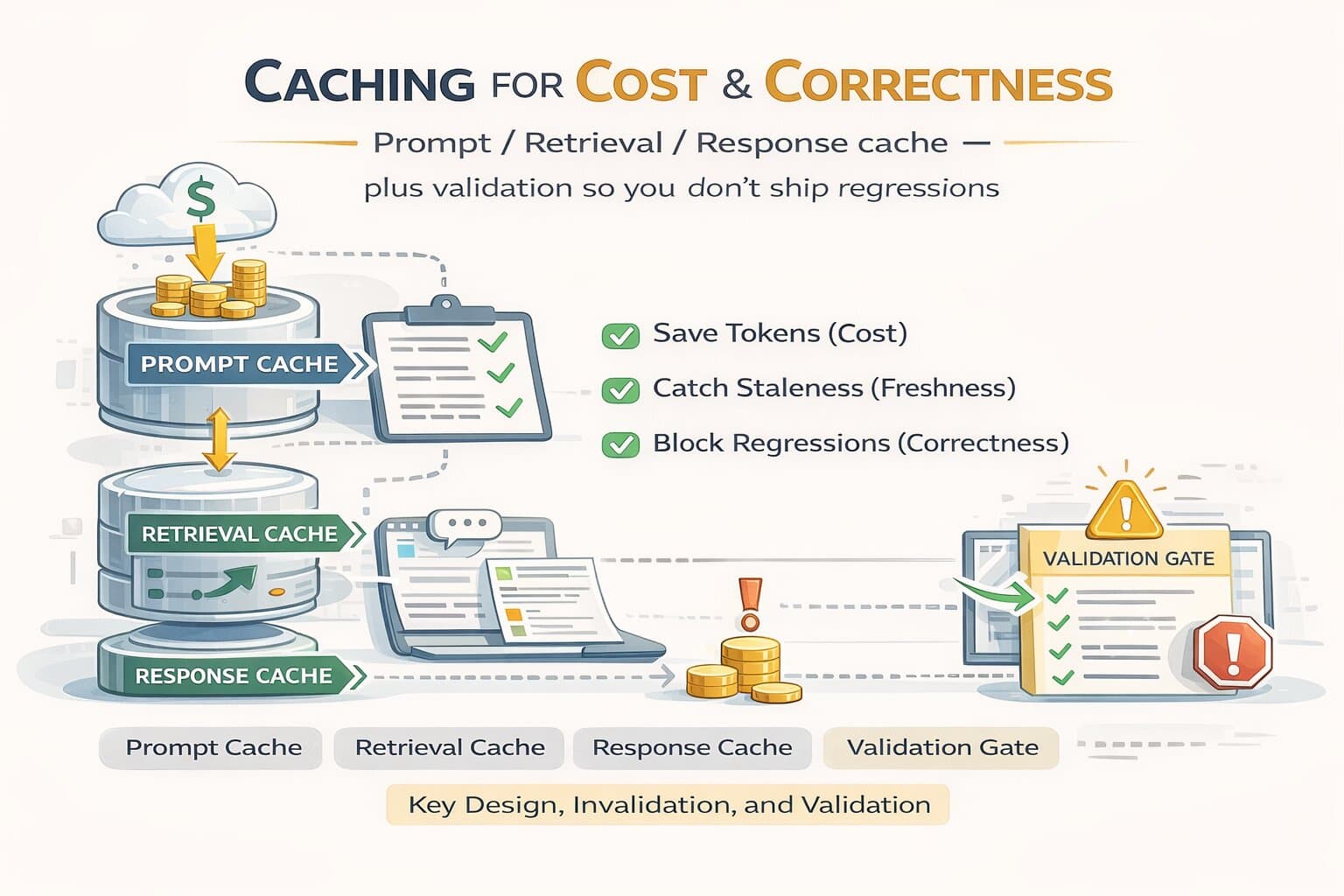
- semantic cache for stable Q&A intents
- prompt-prefix cache for heavy system prompts
- retrieval cache for repeated queries/embeddings
- tool result cache for expensive deterministic tools
What you keep: cache policy document (what is cacheable, TTLs, invalidation), hit-rate + savings dashboard.
What our "LLM Cost Optimization Service" actually includes
We don't start by tuning prompts. We start by turning your spend into a system map you can control.
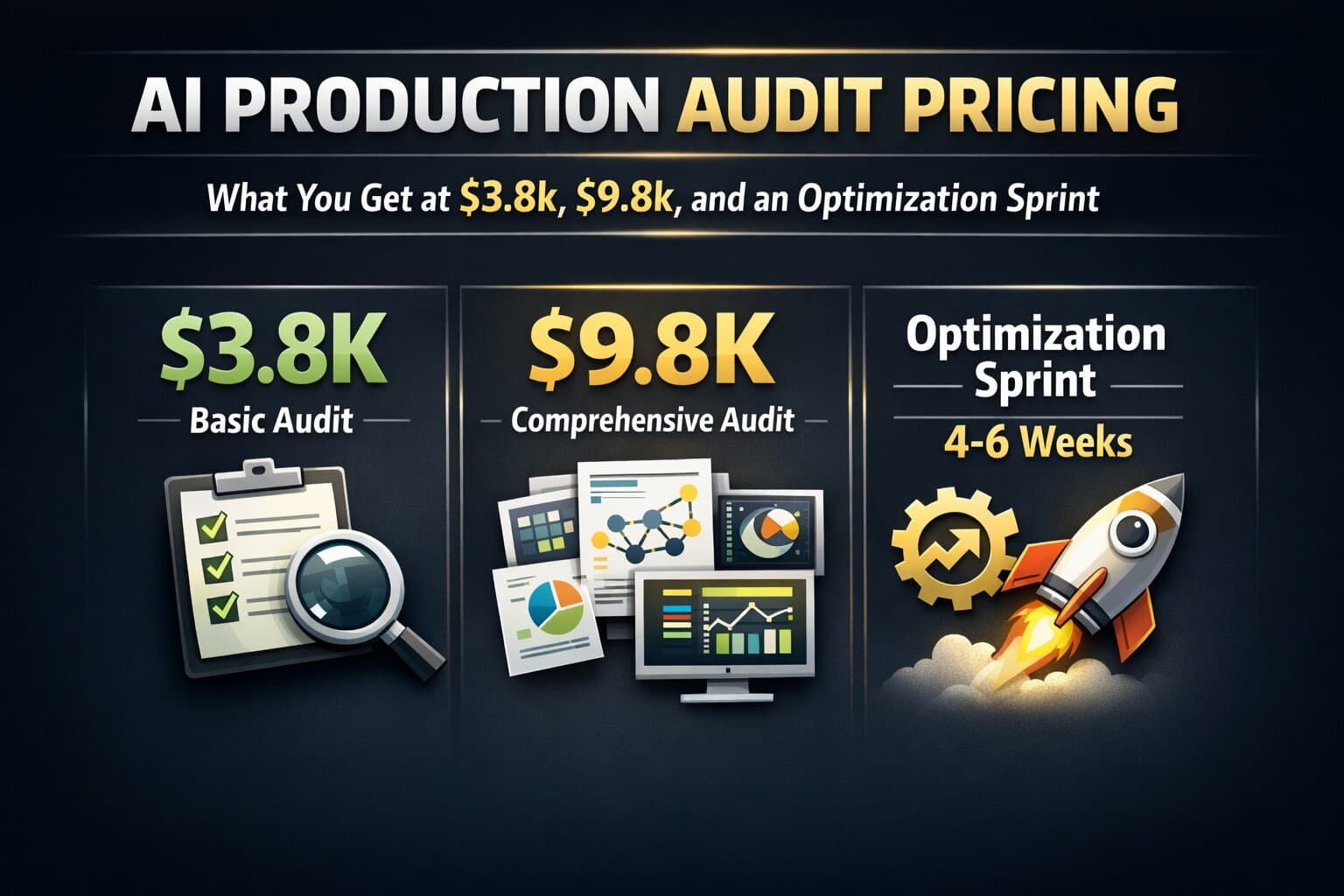
Phase 1 — Cost Baseline & Spend Decomposition (1–2 weeks)
Deliverables:
- Cost per Successful Task baseline
- spend decomposition: prompt vs retrieval vs tools vs retries
- top 5 cost drivers with quantified impact
- ROI-ranked roadmap (what to fix first)
Phase 2 — Optimization Sprint (2–6 weeks)
We ship changes behind feature flags, with benchmarks. Typical PRs:
- context budget caps + summarization/state extraction
- retrieval policy: k limits, dedupe, reranking rules
- routing: cheap-first + safe fallback
- retry & timeout policy consolidation
- loop budgets + stop conditions
- caching layer additions
Every change must have: before/after cost metrics, quality regression checks (golden set), latency impact report.
Phase 3 — Ongoing Cost Reliability (retainer)
Deliverables:
- daily/weekly budget drift alerts
- regression gates in CI
- incident playbooks for cost spikes
- monthly optimization plan
The "Fix Order" we use (so you don't optimize the wrong thing)
If you fix in the wrong order, you risk spending less but breaking outcomes. Our typical order:
- Define success & baseline CPST
- Stop the bleeding: retry storms + tool loops
- Cap context bloat (biggest stable savings)
- Retrieval policy (avoid paying for irrelevant text)
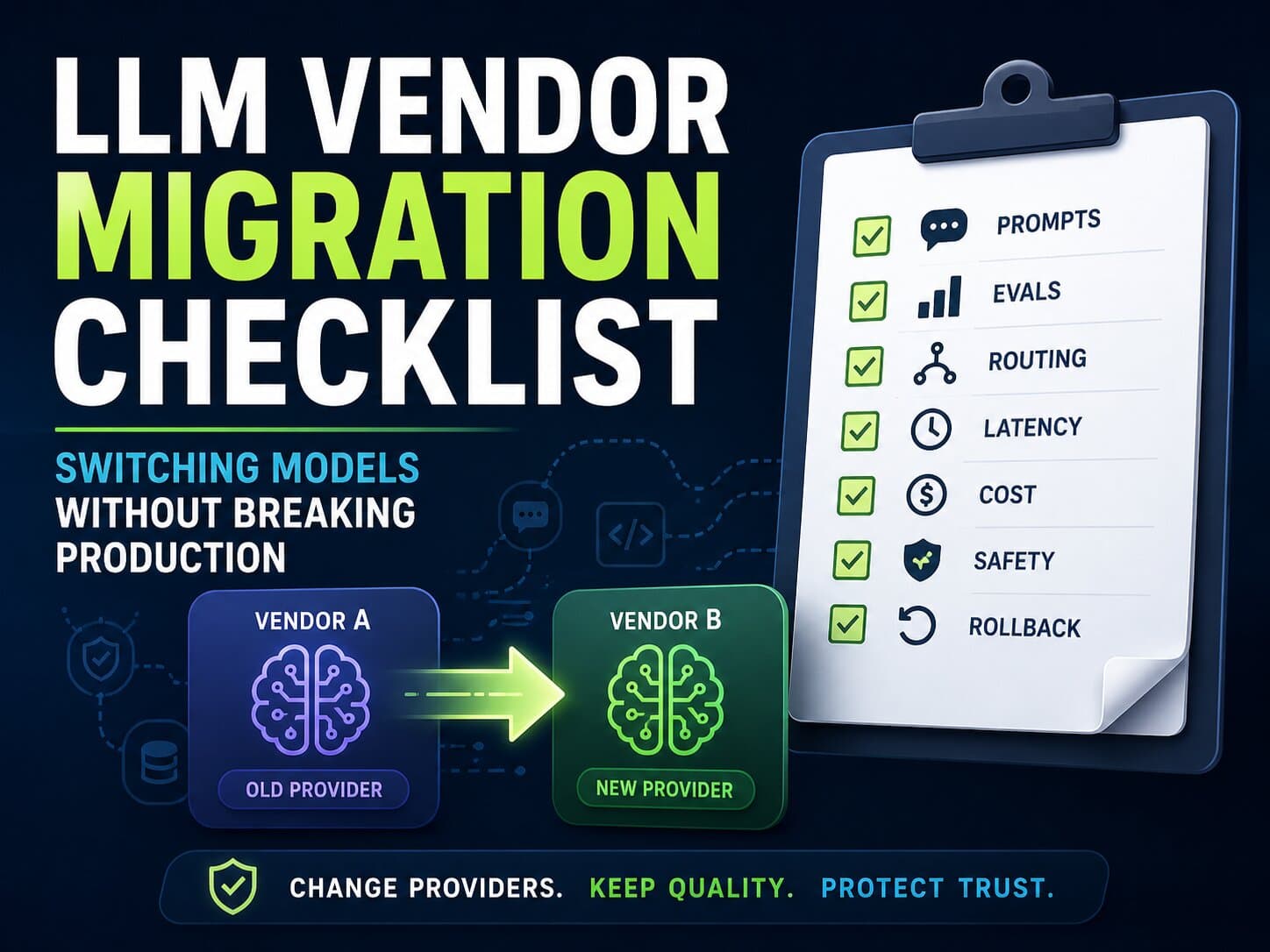
- Routing (cheap-first with eval guardrails)
- Caching (after behavior is stable)
Expected savings (and what determines the range)
We avoid promising a magic number, because savings depends on your baseline leak profile. But in real production systems, savings commonly come from:
- retries/loops control — often the largest "hidden" bucket
- context budgets — steady long-term reduction
- routing — if you have high volume of simple intents
- retrieval slimming — if you're over-retrieving
The key is that we don't "reduce cost" by lowering quality. We reduce cost by reducing wasted work.
How to tell if you're a good fit
You're a fit if any of these are true:
- Your LLM bill is rising faster than usage.
- You see P95 spikes and timeouts.
- Some sessions cost 20–50x more than average.
- You don't know how much of spend is retries/tools/retrieval.
- You can't answer: "cost per successful resolution?"
If you can't measure it, you can't optimize it—and you're probably paying for failures.
CTA: Start with an AI Audit (fastest way to find savings)
If you want cost reduction that doesn't degrade outcomes, start with a short audit:
- baseline metrics in 1–2 weeks
- decomposition of spend drivers
- prioritized plan with measurable ROI
See our AI Optimization Services for cost reduction sprints, model routing, and token optimization—with before/after benchmarks.
FAQ
Questions readers usually ask next
What is Cost per Successful Task (CPST)?
CPST = total LLM spend / number of successful outcomes. It answers: 'How much do we spend to get one correct, complete resolution?' Unlike cost per request, CPST accounts for retries, tool loops, and failures—so you optimize the right thing.
Why doesn't prompt optimization alone reduce cost significantly?
Prompt changes typically address less than 20% of spend. The big leaks are context bloat, retry storms, tool loops, over-retrieval, and model misrouting. We fix the system—routing, retrieval policy, stop conditions, caching—and prove it with before/after benchmarks.
What's the typical fix order for LLM cost optimization?
1) Define success & baseline CPST. 2) Stop the bleeding: retry storms + tool loops. 3) Cap context bloat (biggest stable savings). 4) Retrieval policy (avoid paying for irrelevant text). 5) Routing (cheap-first with eval guardrails). 6) Caching (after behavior is stable).
How do I know if I'm a good fit for LLM cost optimization?
You're a fit if: your LLM bill is rising faster than usage; you see P95 spikes and timeouts; some sessions cost 20–50x more than average; you don't know how much of spend is retries/tools/retrieval; or you can't answer 'cost per successful resolution?'
Quick self-check
- tokens/request trend last 30 days
- retries per request
- tool calls per session
- retrieval tokens share
- CPST estimate
Artifacts you keep
- eval harness + golden set
- dashboards
- budget gates
- routing rules
- runbooks
Common objections
- "We already optimized prompts" → prompt is <20% leak
- "Caching didn't work" → wrong layer cached
- "Routing will reduce quality" → prove by cohort eval
Next steps
Start with an AI Audit for baseline + spend decomposition. Or go straight to AI Optimization Services for cost reduction sprints with before/after proof.
Last updated
February 20, 2026