The core idea
The best regression datasets are not invented from scratch. They are distilled from real user behavior, then cleaned, labeled, versioned, and maintained like production infrastructure.
The fastest way to build a useful eval set is not to brainstorm prompts in a doc. It is to start from real user logs, where the mess, ambiguity, failure patterns, and high-value workflows already exist.
If your regression suite does not resemble real traffic, it will mostly protect the easy path. The hard part of production evaluation is not running a judge model. It is building a dataset that reflects the questions users actually ask, the workflows they actually trigger, and the failures that actually cost you money or trust.
This guide walks through a practical process for building that dataset from production logs: how to choose the unit of evaluation, sample intentionally, redact safely, label outcomes, and turn noisy sessions into a stable golden set for regression testing.
Context
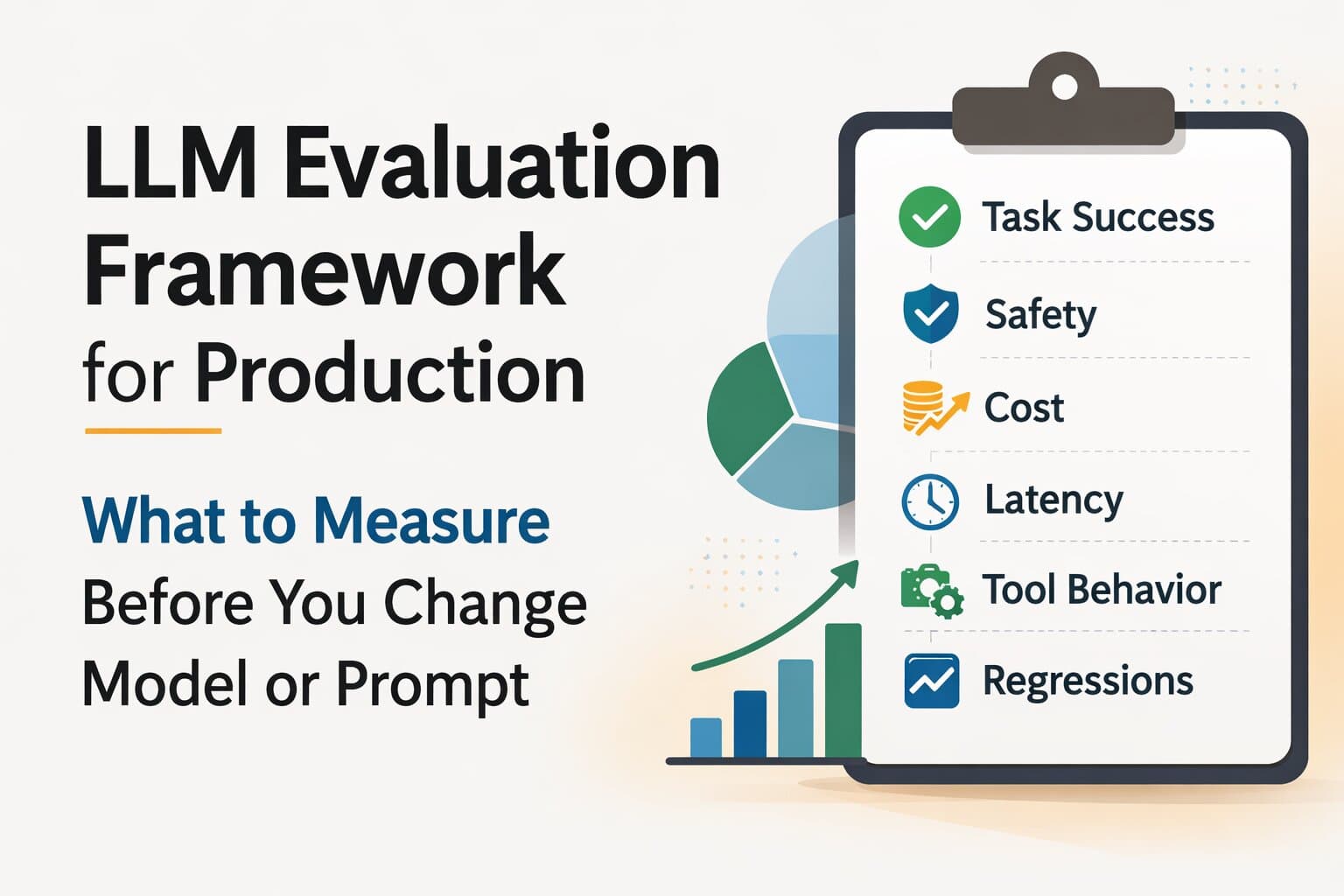
Part of the LLM Evaluation hub. Related: LLM Evaluation Framework, MVE Starter Kit, Eval Suite case study, Audit Readiness.
Why real user logs beat brainstormed test sets
Brainstormed datasets usually over-represent what the team already understands. Real logs show what the team keeps missing:
- ambiguous requests that need clarification
- long-tail edge cases that appear only a few times a week
- high-value workflows with awkward phrasing and mixed intent
- failure patterns hidden inside retries, tool errors, or follow-up turns
- real language, not lab language
If you only test what people on the team can imagine, you are not building a regression suite. You are building a demo suite.
What makes a dataset golden
A dataset becomes golden when it is stable enough to compare releases and valuable enough that people trust it when it fails.
A good golden dataset is:
- representative: it reflects real production traffic and risk
- versioned: you know exactly which snapshot was used for each release
- labeled: expected outcomes and failure modes are explicit
- privacy-safe: raw sensitive data is not leaking through the eval system
- small enough to run often: the first version should be operational, not aspirational
Golden does not mean perfect. It means trusted, repeatable, and anchored to production reality.
Step 1: Define the unit you want to regress-test
Before pulling logs, decide what one test case represents. That decision shapes the whole dataset.
Common units:
- a single user turn
- a full support conversation
- a tool-using workflow
- a retrieval-backed answer with citation
- a structured extraction task
Choose the smallest unit that still captures the production behavior you care about. If you test whole conversations when the critical regression is one answer turn, labeling becomes slow and noisy. If you test only a single message when the workflow depends on history or tool state, you lose the failure context.
Step 2: Export logs with privacy-safe fields
Most teams already have enough data to start, but they do not have a safe export path. Build one before you sample.
Minimum useful fields:
- request or session ID
- timestamp
- surface or product area
- user input and relevant conversation context
- retrieved context or tool traces when applicable
- assistant output
- fallbacks, escalations, retries, or failure signals
- cohort labels such as intent, locale, tenant, or customer tier
Privacy-safe export rules:
- redact or hash personal identifiers
- strip secrets and account-specific values that are not needed for eval
- preserve semantic structure even after redaction
- store access controls and retention policy with the export pipeline
If your logging is too weak or too risky to export, fix that first. A broken export path turns dataset work into compliance debt.
Step 3: Build a sampling frame before you sample
Do not start by randomly grabbing 100 sessions. First define the buckets you need represented.
Typical axes:
- intent or workflow type
- frequency
- severity if wrong
- customer or revenue tier
- language or locale
- source type for RAG or tool usage for agents
- known failure taxonomy
This sampling frame is what stops your dataset from becoming 80% easy FAQ traffic. Randomness without stratification usually reproduces the easiest part of the product and misses the regressions stakeholders care about most.
Step 4: Sample by frequency, severity, and business value
A useful golden dataset is not purely random. It is intentionally biased toward cases that matter.
| Bucket | Why it belongs | Suggested first-set share |
|---|---|---|
| Common happy path | Protects the bulk of traffic | 35–45% |
| Known failures | Catches regressions users already feel | 20–30% |
| High-severity edge cases | Protects policy, trust, or workflow-critical paths | 15–20% |
| High-value cohorts | Prevents "average improved, key customer regressed" | 10–20% |
The exact percentages will vary, but the principle stays the same: common traffic keeps the set realistic, while failure and high-risk cases make it useful.
Step 5: Redact, normalize, and de-duplicate
Raw logs are messy. Your golden set should preserve behavior, not clutter.
Redact: names, emails, account numbers, secrets, and anything the evaluator does not need.
Normalize: timestamps, IDs, or transient values that change every run but do not change task meaning.
De-duplicate: repeated sessions, identical retries, and near-identical prompts that would over-weight one failure mode.
Be careful not to over-normalize. If an error code, product tier, or document version changes the meaning of the case, keep it.
Step 6: Turn sessions into atomic test cases
Production sessions are often too long and noisy to evaluate as-is. Convert them into atomic cases that preserve the logic you want to protect.
Each case should usually contain:
- case ID
- short title
- input messages or relevant turn
- supporting context such as retrieved docs or tool outputs
- expected output type or rubric
- severity
- cohort tags
- notes on why the case matters
This is where many teams accidentally build unusable datasets. If a test case depends on hidden context that is not captured, the eval will be flaky. If a case is so broad that no one can label it consistently, it will not be trusted.
Step 7: Label expected outcomes and failure modes
A golden dataset is not only inputs. It also defines what a correct outcome looks like.
Depending on the task, label one or more of these:
- expected answer or reference output
- must-have behaviors
- must-not-have failures
- rubric criteria
- failure taxonomy tags such as hallucination, wrong tool, missing clarification, unsafe answer, invalid schema
For many real systems, rubric plus hard constraints is the right mix. A single reference answer is often too brittle. The goal is not to reward wording similarity. The goal is to catch behavioral regressions.
Step 8: Freeze, version, and grow the dataset over time
Once you have a first useful set, freeze it as a versioned snapshot. That snapshot becomes the baseline for release comparison.
Good practice:
- keep a stable core set for release gates
- append incident-driven cases to a candidate pool
- promote new cases into the core set on a regular cadence
- record dataset version in every eval run and release note
This gives you both stability and freshness. Without versioning, teams cannot tell whether a score change came from a model change or a dataset change.
A practical starter shape for your first golden dataset
If you need a first version quickly, aim for something like this:
- 15 common production cases
- 10 known failure cases from tickets or incidents
- 10 high-severity or policy-sensitive cases
- 10 high-value cohort cases
- 5 format or tool-behavior cases that catch downstream breakage
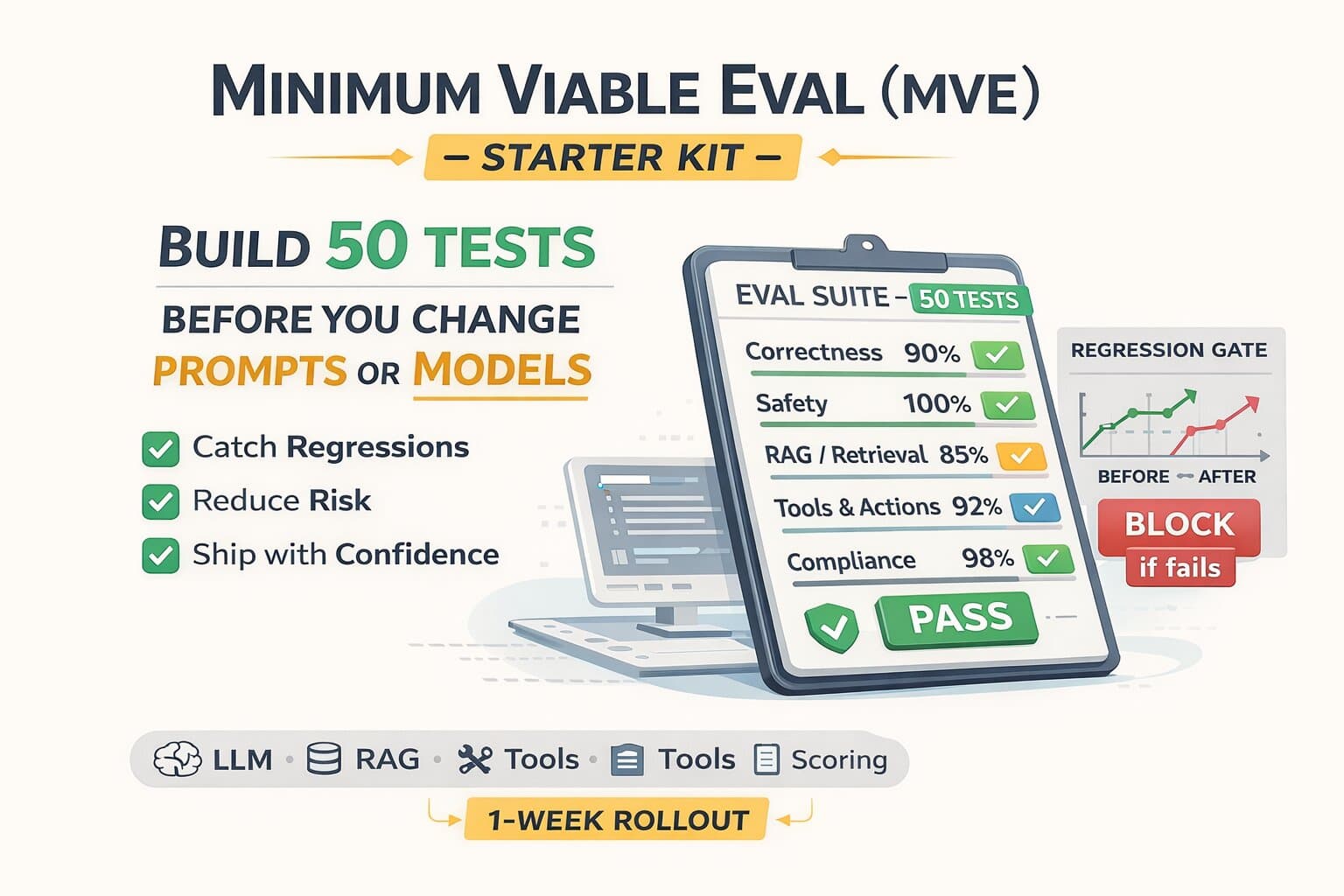
Fifty total cases is enough to create a first meaningful release gate. That is why this article pairs naturally with the MVE Starter Kit: the golden dataset is the raw material, the MVE is the first operational harness around it.
Useful rule
Every incident that surprises the team should create a candidate case for the dataset. That is how the suite becomes more production-real over time instead of staying frozen in its first draft.
Common mistakes that corrupt the dataset
- Sampling only common traffic: the suite passes while high-risk behavior regresses.
- Leaving hidden context out of cases: reviewers cannot reproduce the production behavior.
- Over-redacting: removing the very fields that determine correct behavior.
- No versioning: score changes become impossible to interpret.
- No taxonomy labels: failures stay anecdotal instead of becoming diagnosable classes.
- Keeping the set static for too long: production drifts, the dataset does not.
A golden dataset is not a one-time artifact. It is a maintained asset that should get sharper every time production teaches you something new.
Need help building the first version?
We help teams pull high-signal cases from production logs, define rubrics, and turn them into release gates that catch real regressions. For the measurement model around the dataset, see the Evaluation Framework. For the first compact harness, start with the MVE Starter Kit.
FAQ
Questions readers usually ask next
How many examples do we need for a first golden dataset?
Start with 30 to 50 high-signal cases if you need something in a week. That is usually enough to create a first regression gate. Then expand to 100 to 200 cases as you learn which cohorts and failure modes matter most.
Can we use LLMs to label the dataset?
Yes, but not without calibration. LLM-assisted labeling is useful for draft annotations, taxonomy suggestions, or low-risk attributes. High-risk labels, expected answers, and release-critical cases still need human review or deterministic checks.
How do we handle PII in production logs?
Build a privacy-safe export path: redact or hash personal identifiers, remove raw secrets, preserve only the fields needed for evaluation, and keep clear retention and access rules. If the export is unsafe, the dataset becomes a compliance risk instead of an engineering asset.
How often should we refresh a golden dataset?
Add to it continuously, but version it in stable snapshots. Many teams freeze a core set for release gates and append new incident-driven cases weekly or monthly. That keeps comparisons stable while letting the dataset evolve with production traffic.
Best first move
Pull a privacy-safe export of real logs and define a sampling frame before you let anyone start choosing cases manually.
Most expensive mistake
Building a dataset that mostly reflects easy traffic, then assuming it protects the product from serious regressions.
Need a dataset that catches real regressions?
We help teams turn production logs into labeled eval cases, then connect those cases to release gates and monitoring. See the AI Production Audit and Reliability Retainer.
Last updated
March 9, 2026