The core idea
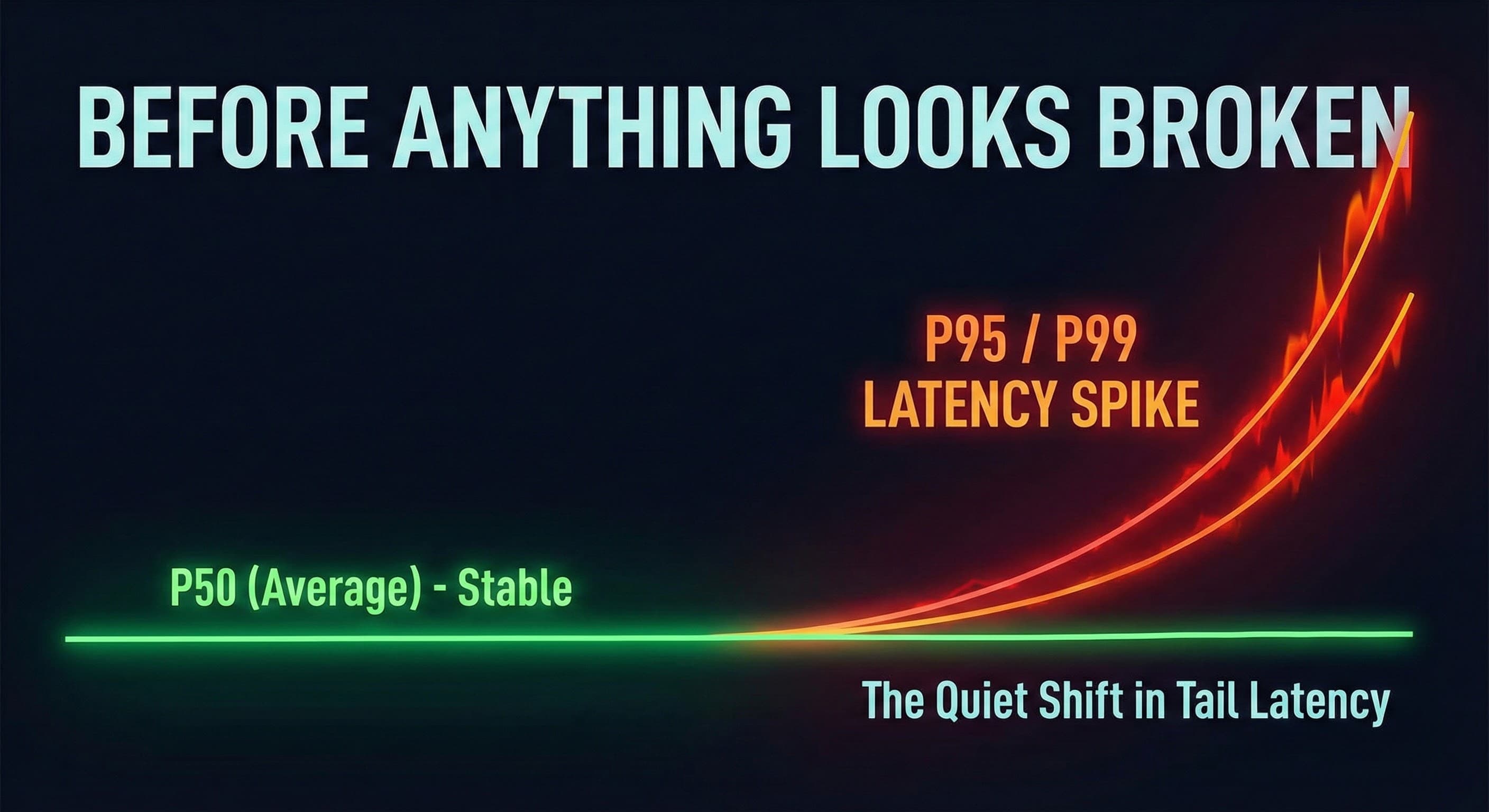
Timeouts are rarely random. They're what constraints look like when the system starts waiting — before anything looks "broken."
Timeouts feel random. That’s why they’re so expensive. One customer says checkout froze. Another says search sometimes hangs. Someone refreshes and it works.
Teams often treat this as a bug hunt. But in mature systems, timeouts usually aren’t regressions. They’re a signal: the system is starting to wait.
Context
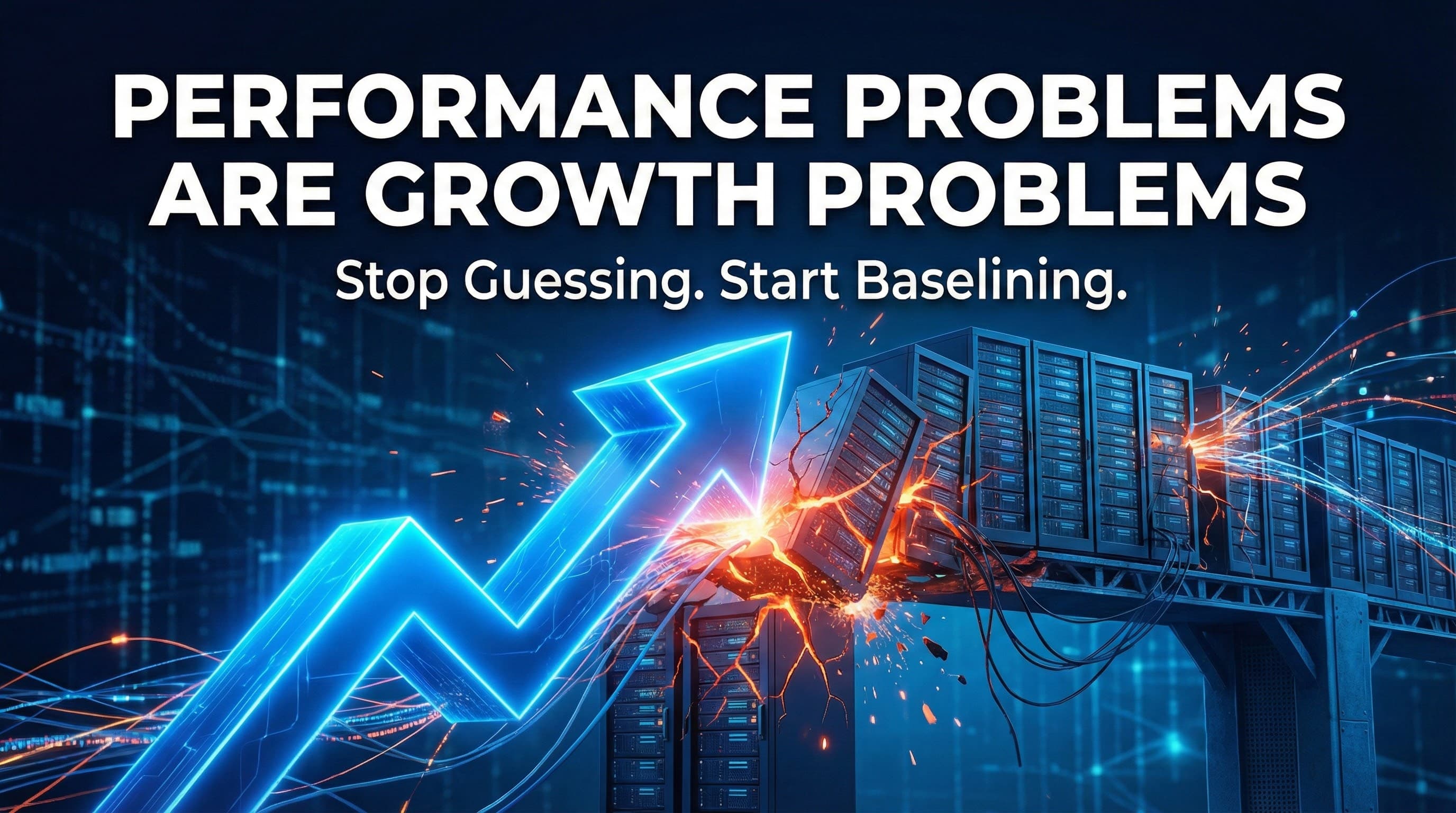
Part of the Growth series: Performance Problems Are Growth Problems . Growth doesn't just increase traffic — it changes system behavior. Timeouts are one of the clearest early warning signals.
The thesis
Most timeouts are not "broken code." They happen when the system hits a constraint: queueing, pool exhaustion, contention, dependency variance, or retry amplification.
Why timeouts feel random (and why that’s dangerous)
Timeouts rarely impact everyone at once. They usually start as edge events: a subset of users, a specific flow, a particular tenant, or peak-only conditions.
That’s why dashboards look calm. Averages stay stable. Overall error rates don’t spike. And yet the product becomes emotionally unreliable: “Sometimes it works. Sometimes it doesn’t.”
Timeouts are often the first moment customers stop trusting the product.
Timeouts are waiting, not failure
A timeout is not the same as “the system is down.” A timeout means the request waited too long for an answer.
And waiting can happen in a lot of places:
- waiting for a DB connection
- waiting for a thread in a saturated pool
- waiting for a lock
- waiting behind queued requests
- waiting on a downstream dependency
- waiting behind retries
When a system shifts from “doing work” into “waiting for permission to do work,” you see timeouts long before the system “looks broken.”
Why timeouts rise before anything looks broken
Constraints don’t punish every request equally. They punish requests under specific conditions: cold cache, burst traffic, heavy payloads, noisy tenants, or slow dependencies.
At first, only a small fraction of requests hit those conditions. As concurrency grows, that fraction grows. Timeouts rise. And the system gives you a warning — before the outage.
A mental model
Latency gets worse in the tail first. Timeouts are tail latency that exceeded your budget.
The four patterns behind most timeouts
Most timeout storms come from a few repeatable patterns. You don’t need 50 theories — you need the right taxonomy.
1) Queueing (the invisible killer)
Queueing happens when arrival rate exceeds capacity — even briefly. DB pool wait rises before DB CPU looks high. Thread queues build before servers look "busy."
2) Saturation (not just CPU)
Saturation shows up as waiting: memory pressure, GC pauses, container throttling, socket exhaustion, bandwidth limits. The system "looks fine" while requests stall.
3) Dependency variance (one downstream dominates)
A dependency can be fast 99% of the time and still define your timeouts. One slow call on the critical path is enough to dominate the tail.
4) Retry amplification (ghost traffic)
Retries multiply load exactly when the system is weakest. One request becomes two, then four. This creates a feedback loop: slow → retry → more load → timeouts → incident.
Why timeouts cluster in segments
Timeouts feel random because they’re not evenly distributed. They cluster by flow, tenant, payload size, region, device, and cache state.
Most “mystery timeouts” become explainable after segmentation. That’s where truth lives.
What to check first (triage workflow)
When timeouts rise, don’t jump to “add caching” or “scale servers.” Start with classification:
- Identify the flow: checkout/search/login — not “the system.”
- Segment: tenant/region/cache state/payload size.
- Make waiting visible: DB pool wait, thread queue time, backlog.
- Trace the slowest requests: what dominates the critical path?
- Check amplification: retries + timeouts rising together.
This turns “random” into “we know the constraint.” And once the constraint is visible, fixing becomes safe.
The business cost: timeouts break trust
Slow pages are annoying. Timeouts are different.
Timeouts cause abandonment, rage refresh behavior, support tickets, and long-term trust damage — especially during peak events. They also increase infrastructure cost via wasted compute and retries.
How to fix timeouts without guessing
The worst response is random tuning. Raising timeouts may reduce the symptom while making the system slower. Scaling servers may delay the constraint while burning budget.
The no-guesswork approach is: baseline → isolate constraint → implement targeted fixes → validate with before/after distributions → add guardrails.
Want a repeatable process?
Start with a baseline audit: See how the audit works .
We map timeouts to constraints and validate fixes with before/after evidence — not opinions.
What to read next
If your team is seeing "random timeouts," don't wait for an outage. These are the most helpful next reads:
Continue the Growth series
Start at the hub: Performance Problems Are Growth Problems .
It maps the loop: baseline → isolate constraints → fix → validate → prevent regressions.
Final takeaway
Timeouts are the system telling you the truth: you’re starting to wait.
Watch timeouts as early signals. Make waiting visible. Find the constraint. Validate improvements with distributions. That's how you turn "random bugs" into a repeatable scaling discipline.
FAQ
Questions readers usually ask next
Why do timeouts feel random?
Timeouts rarely impact everyone at once. They usually start as edge events affecting a subset of users, specific flows, particular tenants, or peak-only conditions. That's why dashboards look calm — averages stay stable, but the product becomes unreliable.
What causes timeouts in scaling systems?
Most timeouts come from waiting: queueing (DB pool wait, thread queues), saturation (memory pressure, GC pauses, container throttling), dependency variance (one slow downstream call), or retry amplification (retries multiplying load when the system is weakest).
How do I fix timeouts without guessing?
Start with classification: identify the flow (checkout/search/login), segment by tenant/region/cache state, make waiting visible (pool wait, queue time, backlog), trace slow requests to find the constraint, and check for retry amplification. Once the constraint is visible, fixing becomes safe and targeted.
If this sounds familiar…
Everything seems fine until peak traffic, then users report hangs and timeouts — and the team can't explain why.
What timeouts usually mean
Not broken code. Waiting time: queueing, pool waits, dependency variance, contention, and retry amplification.
Want proof, not opinions?
If timeouts are increasing, start with a baseline audit. We map timeouts to constraints and validate fixes with before/after distributions. See how our audit works.
Last updated
January 4, 2026