The core idea
In production, you ship a system—not a model. Most AI problems are system problems. An AI System Audit covers the full pipeline.
GenAI Audit vs AI System Audit: scope, artifacts, and how to prove before/after impact. Choose the right audit type for your production stage.
When teams say they need a "GenAI audit," they can mean anything from a quick prompt review to a full production teardown. The real question: Are we auditing "AI" in the abstract—or the actual system that ships answers in production?
This post clarifies the difference between a GenAI Audit and an AI System Audit, what artifacts you should expect, and how to prove impact with before/after evidence—not opinions.
Context
Part of the LLM Audit hub: LLM Production Audit Framework. See also: 9 Production Symptoms + Self-Assessment, RAG Wrong Answers Triage, Case Study: Low Recall Fix, Case Study: Cost Reduction, Token Spend Decomposition, AI System Audit.
1) The short distinction
GenAI Audit (often)
A GenAI audit typically focuses on the model-facing layer: prompts (system + user), model choice, safety prompts/guardrails (basic), example conversations. It's useful early, but it can miss what actually breaks production.
AI System Audit (what you need in production)
An AI System Audit treats your product as a pipeline: inputs → retrieval → context construction → generation → tools/actions → output validation → monitoring
It covers the whole chain and answers: Why do we get wrong answers? Where does latency spike? Why is cost exploding? What regresses when we ship changes?
GenAI Audit vs AI System Audit
Quick comparison to choose the right audit type
- Scope
- Prompts, model choice, guardrails, demo conversations
- Measures
- Output quality (subjective), prompt adherence, safety behavior
- Outputs
- Prompt rewrites, model swaps, "try reranking" (unmeasured)
- Prove impact
- Qualitative ("looks better"), no baseline, silent regressions
- Best fit
- Pre-prod, early pilots, single-model, prompt unknowns
- Common trap
- Treating all failures as "prompt problems"
- Scope
- E2E pipeline, RAG, tools, routing, cost/latency/security
- Measures
- Task success, groundedness, retrieval recall, tool success, cost/task, TTFT, P95 by cohort
- Outputs
- Baseline scorecard, failure taxonomy, root-cause map, cost/latency teardown, eval plan
- Prove impact
- Baseline→cohorts→controlled change; regression gates; before/after evidence
- Best fit
- Production users, quality complaints, cost/latency spikes, RAG/tools
- Common trap
- Skipping instrumentation/eval gates
S AI System Audit is recommended for production systems with RAG, tools, or cost/latency concerns.
2) Why this matters: most "AI problems" are system problems
In production, you don't ship a model—you ship a system. A great prompt can't fix:
- low-recall retrieval
- stale knowledge
- tool timeouts + retry storms
- missing eval gates
- lack of observability (you can't see failure modes)
- routing policies that send easy queries to expensive models
If your pain is quality/cost/latency/reliability, you want an AI System Audit.
3) The scope matrix (what each audit should include)
1) Quality & correctness
GenAI Audit usually checks: prompt clarity, instruction hierarchy, output formatting consistency, basic safety/refusal behavior.
AI System Audit adds: failure taxonomy (top failure modes with real examples), cohort breakdown (intent, language, tenant, doc type), "retrieval vs generation vs tool" classification, groundedness / citation validity sampling.
2) RAG & knowledge (if you use RAG)
GenAI Audit might: glance at chunking and prompts, suggest "try reranking" or "increase k."
AI System Audit actually measures: retrieval recall proxies, ranking quality, context construction issues (wrong chunks stitched, contradictions), freshness gaps, cost/latency tradeoffs (k, rerank, query rewrite).
3) Cost
GenAI Audit often: suggests shorter prompts, suggests a cheaper model.
AI System Audit produces: token spend decomposition (input/output, retries, tool loops, RAG costs), cost per successful task (not cost per request), cost drivers by cohort/intent, a prioritized ROI roadmap.
4) Latency & serving
GenAI Audit: "the model is slow," "use streaming," "use smaller model."
AI System Audit: stage-level latency breakdown (retrieval, rerank, tools, generation), TTFT vs total latency analysis, queueing symptoms at peak hours, timeout/retry policy review (often the hidden killer), bottleneck chain.
5) Reliability & regressions
GenAI Audit might: suggest better prompt structure, propose "more tests."
AI System Audit: builds or refactors an evaluation harness plan, identifies regression risks across cohorts, defines release gates (CI regression tests), sets monitoring KPIs + drift detection.
6) Security & compliance (especially for enterprise)
GenAI Audit: "don't log sensitive data," basic prompt injection notes.
AI System Audit: threat model for your actual agent/RAG/tool surface, logging policy, PII redaction & data minimization guidance, tool allowlists, output validation, injection defenses, vendor risk questions (data usage/training/retention).
4) The artifact checklist (what you should expect to receive)
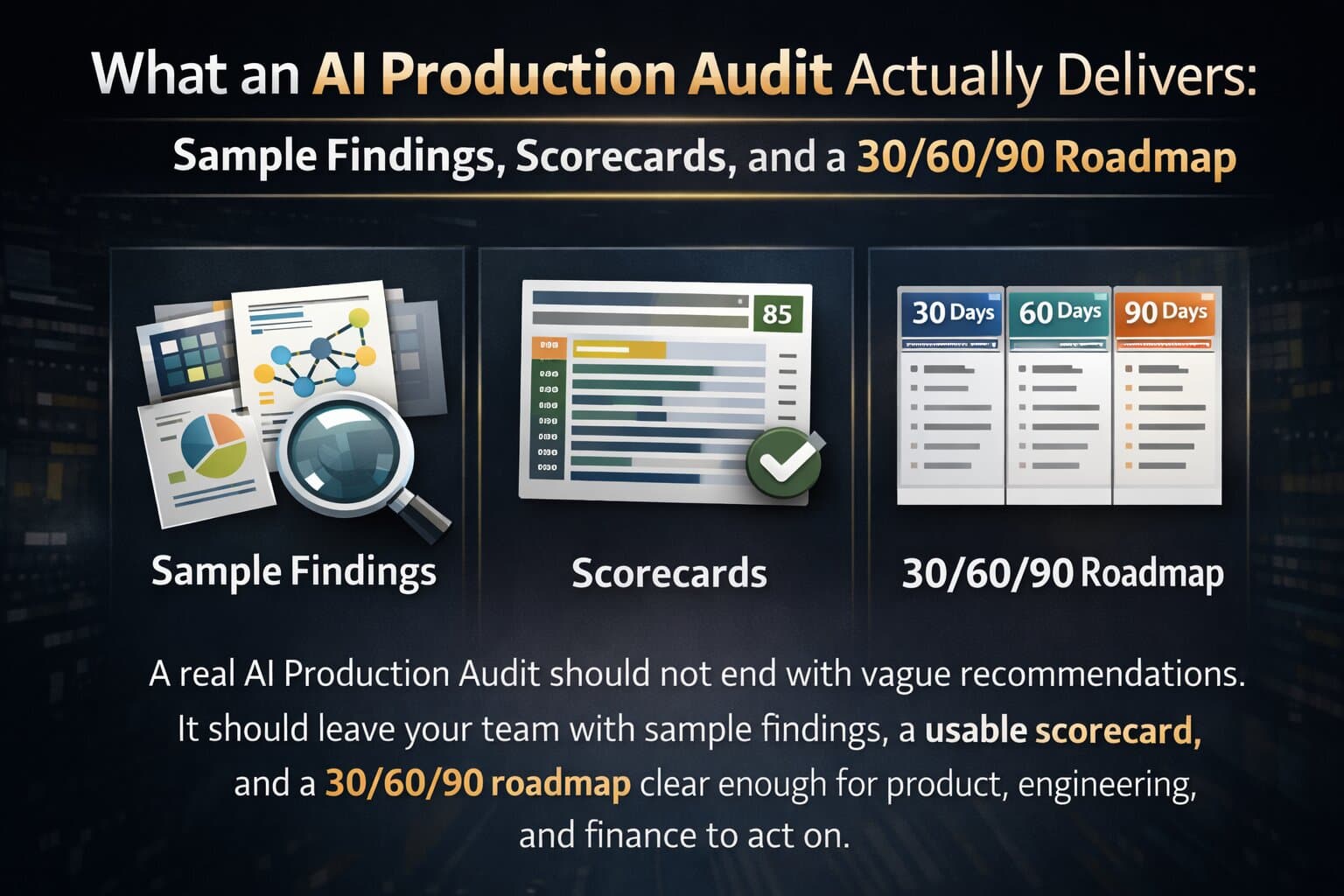
If you pay for an audit, you should come away with artifacts you can use immediately.
Minimum deliverables for a real AI System Audit:
- Baseline scorecard: quality, groundedness, cost/task, p95 latency (segmented by cohorts)
- Failure taxonomy: top 10–20 failure modes with examples
- Root-cause map: retrieval vs generation vs tools vs policies
- Cost teardown: token spend + retry/tool drivers + "silent spenders"
- Latency teardown: stage-level breakdown + queueing/timeout issues
- Roadmap: quick wins + deeper fixes + expected ROI/risk
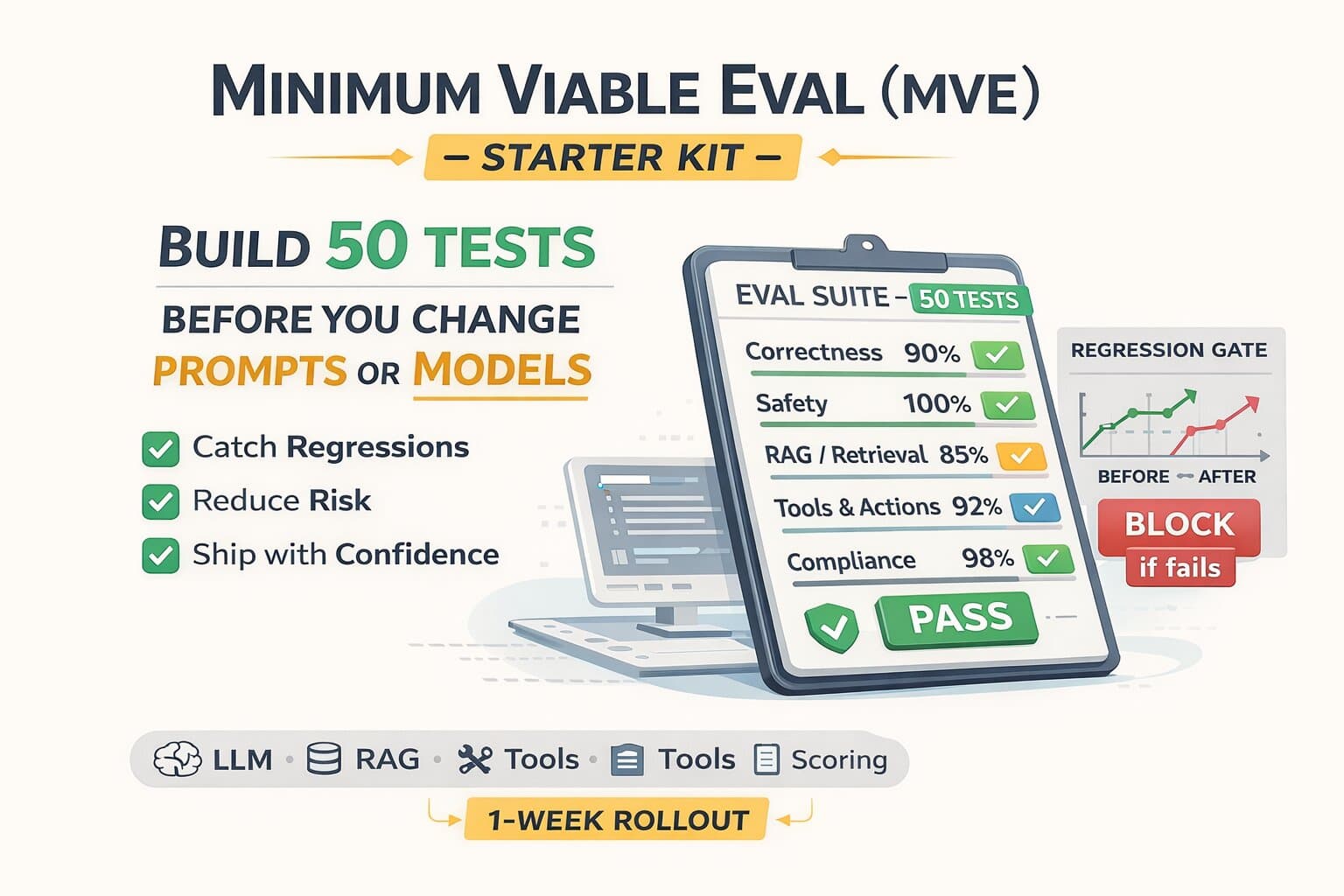
- Eval plan: what to gate in CI, what to monitor daily
- Instrument plan: minimum logging/tracing schema to debug reliably
- Security notes (at least baseline): injection/tool misuse/PII posture
If an audit doesn't produce usable artifacts, it's not an audit—it's a review.
Minimum logging schema (so you can debug "retrieval vs generation vs tools")
If you can't reproduce failures with traces, every bug becomes a prompt patch. This is the minimum trace shape we recommend (store redacted/hashes where needed).
Why this is "minimum viable"
- Retrieval vs generation vs tools: you can label failures without guessing.
- Cost per successful task: token usage + retries/tool loops reveal silent spend.
- Latency root cause: TTFT + stage latencies show the real bottleneck.
5) How to prove "before vs after" (the only method that matters)
To avoid hand-wavy outcomes, insist on this structure:
Step 1: Define success in operational metrics
- task success rate (clear definition)
- groundedness/citation validity (sampling)
- cost per successful task
- TTFT and p95 latency
- failure rate for tool calls / loops
Step 2: Build a baseline with cohorts
Don't measure one average. Measure by: intent category, language, tenant/customer tier, document type (policy, FAQ, product spec), long-tail vs common.
Step 3: Run controlled changes
- ship one change at a time (or tag changes with versioning)
- use workload replay or a fixed eval set
- compare distributions, not just averages
Step 4: Install regression gates
- CI tests for top cohorts
- alerts for drift (quality/cost/latency)
- release checklist with stop-ship thresholds
That's how you prove impact.
Mini case studies (what "before vs after" looks like)
RAG answers were confident—but citations didn't support claims
Users reported "made up answers." Internal demos looked fine because failures were concentrated in one cohort: long-tail policy questions.
- Citation validity: 78%
- Task success: 71% (long-tail policy)
- Top failure: wrong chunks stitched (context construction)
- Re-chunked policies to match query granularity
- Added rerank (top_k 10 → top_n 4) + dedupe/contradiction filter
- Citation check gate on daily sample
- Citation validity: 93% +15 pts
- Task success: 82% +11 pts
- Support tickets: "wrong/made up" ↓ ~40%
Cost was "randomly" exploding during peak hours
The team blamed the model. The audit showed the real driver: retries + tool loops + overuse of the "smart" model on easy intents.
- Cost per task: $0.084
- Tool loop rate: 3.8%
- Premium model on FAQ: 62%
- Deterministic retry policy + timeout tuning per tool
- Loop detection + output validation before tool exec
- Measured routing (fast model for low-risk intents)
- Cost per task: $0.054 −36%
- Tool loop rate: 0.6% ↓ from 3.8%
- P95 latency: 6.7s −25%
- Premium on FAQ: 28% ↓ from 62%
Note: numbers are illustrative. The structure is the point—baseline by cohort, controlled changes, and distribution-aware before/after evidence.
See our case study on low recall and inference cost reduction for real before/after examples: retrieval fixes (+18–30pt answer accuracy) and cost/latency improvements (25–60% reduction) with baseline→change→evidence.
6) Which one should you choose?
Choose a GenAI Audit if:
- you're pre-production or early pilot
- your biggest unknown is prompt structure and basic guardrails
- you don't have RAG/tools complexity yet
Choose an AI System Audit if:
- you have users in production
- quality complaints persist despite prompt tweaks
- cost/latency spiking is a problem
- you ship changes without eval gates
- you have RAG, tools, routing, or multiple models
7) Next steps
Ready to take action?
Want a 30-minute self-assessment template (scope + artifact checklist)? Download the AI System Audit Scorecard. Want us to baseline + produce a fix roadmap? Request an AI System Audit.
FAQ
Questions readers usually ask next
What's the difference between a GenAI audit and an AI System audit?
A GenAI audit typically focuses on the model-facing layer: prompts, model choice, safety/guardrails, example conversations. An AI System Audit treats your product as a full pipeline (inputs → retrieval → context → generation → tools → validation → monitoring) and answers why you get wrong answers, where latency spikes, why cost explodes, and what regresses when you ship changes.
What artifacts should I expect from a real AI System Audit?
Minimum deliverables: baseline scorecard (quality, groundedness, cost/task, p95 latency by cohorts), failure taxonomy with examples, root-cause map (retrieval vs generation vs tools), cost teardown, latency teardown, roadmap (quick wins + deeper fixes), eval plan (CI gates + daily monitoring), instrument plan (logging/tracing schema), and security notes. If an audit doesn't produce usable artifacts, it's a review—not an audit.
When should I choose a GenAI audit vs an AI System audit?
Choose a GenAI Audit if you're pre-production or early pilot, your biggest unknown is prompt structure and basic guardrails, and you don't have RAG/tools complexity yet. Choose an AI System Audit if you have users in production, quality complaints persist despite prompt tweaks, cost/latency is spiking, you ship changes without eval gates, or you have RAG, tools, routing, or multiple models.
How long does an AI System Audit take?
Typically 2–4 weeks for a production system: baseline data collection, failure taxonomy, root-cause analysis, cost/latency teardown, and prioritized roadmap. Timeline depends on system complexity, data availability, and whether instrumentation already exists. A GenAI-style prompt review can be done in days—but won't surface retrieval, tool, or cost issues.
We already do prompt reviews. Is that enough?
Prompt reviews help with instruction clarity and formatting—but they miss retrieval misses, tool loops, routing policy, cost drivers, and regression risks. If you have RAG, tools, or production users, an AI System Audit adds the pipeline-level view. Many teams find their 'prompt problems' are actually retrieval or context-construction problems.
Want before/after evidence?
We baseline metrics, run controlled changes, and install regression gates—so improvement is provable. See our AI System Audit service.
Last updated
March 7, 2026